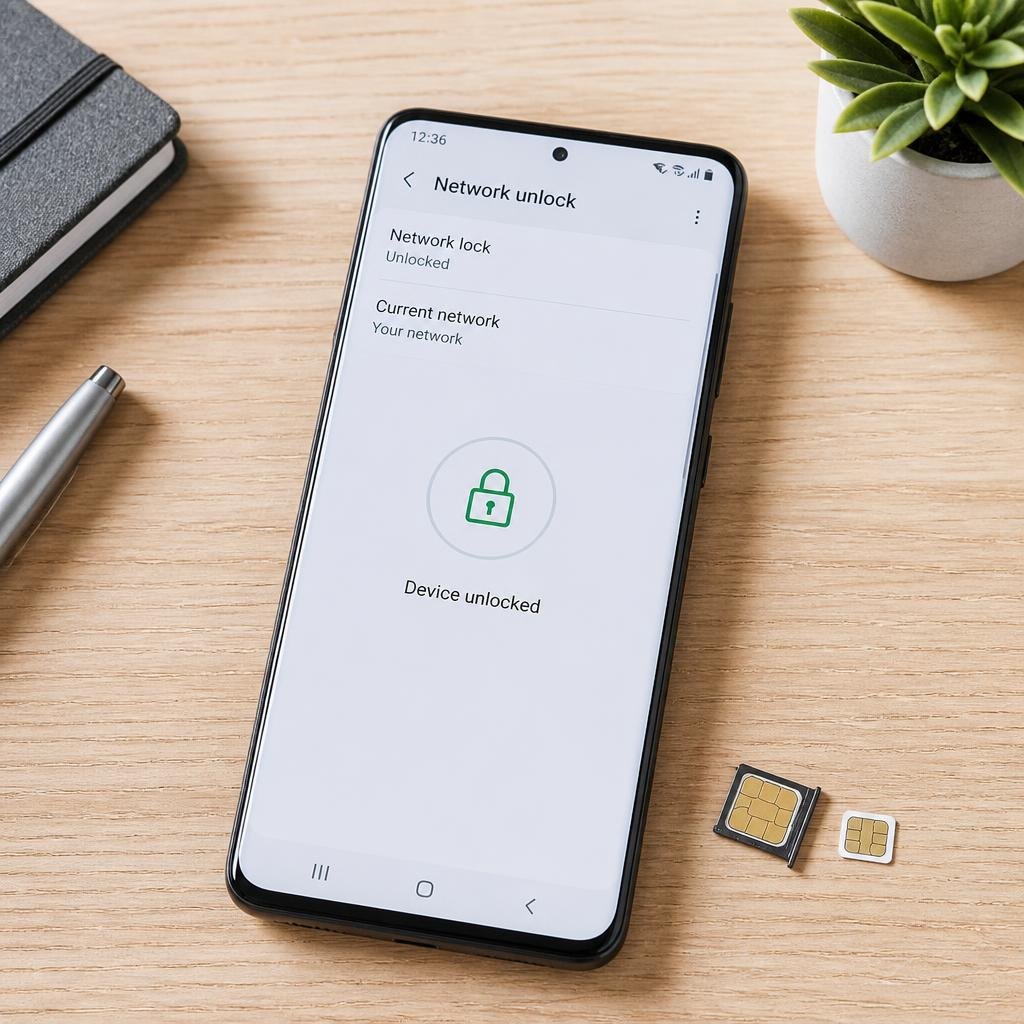
If you are planning to switch carriers, use a travel SIM, activate an eSIM, or buy a used phone, it is important to know whether your phone is unlocked. A carrier-locked phone may only work with the network it was originally sold for, while an unlocked phone can generally be used with other compatible networks.
The easiest way to check depends on your phone. On an iPhone, Apple provides a direct Carrier Lock status in Settings. On Android, the menu varies by manufacturer, so checking the network settings or testing the phone with a SIM from another carrier can be more reliable.
This guide explains how to check if your phone is unlocked, including iPhone 18 pro , Samsung Galaxy, Google Pixel and other Android phones.
Quick Answer: How Do I Know If My Phone Is Unlocked?
The fastest methods are:
- iPhone: Go to Settings → General → About → Carrier Lock. If it says No SIM restrictions, the iPhone is unlocked.
- Android: Check your phone’s SIM or network settings for a carrier-lock or network-unlock status. The exact menu depends on the manufacturer.
- Any phone: Insert an active SIM or activate an eSIM from a different carrier. If the phone connects normally, that is strong evidence that it is unlocked.
- Still unsure: Contact the carrier that originally sold or financed the phone and ask them to confirm its SIM-lock status.
An unlocked phone can still be incompatible with a particular network because of differences in supported bands, technology, coverage or carrier requirements. Google, for example, notes that even unlocked Pixel phones may not support every 5G network.
What Does an Unlocked Phone Mean?
A phone is carrier unlocked when it is not restricted to one mobile network.
For example, if a phone was originally sold for Carrier A, a carrier lock may prevent you from using a SIM or eSIM from Carrier B. Once the carrier lock is removed, you can generally use the phone with another compatible network.
An unlocked phone does not automatically mean that it will work on every network worldwide. The device still needs to support the carrier’s frequencies, network technology and other requirements.
It is also important not to confuse a carrier lock with other types of phone restrictions.
Carrier lock vs other phone locks
Carrier lock: Restricts the phone to a particular mobile network.
Screen lock: Your PIN, password, fingerprint or face unlock.
SIM PIN: Protects the SIM card itself.
Activation Lock: An Apple security feature connected to the previous owner’s Apple Account.
IMEI block: A device may be blocked from cellular networks if it has been reported lost, stolen or otherwise barred.
These are separate issues. Removing a carrier lock does not remove Activation Lock or an IMEI block.
How to Check If Your iPhone Is Unlocked
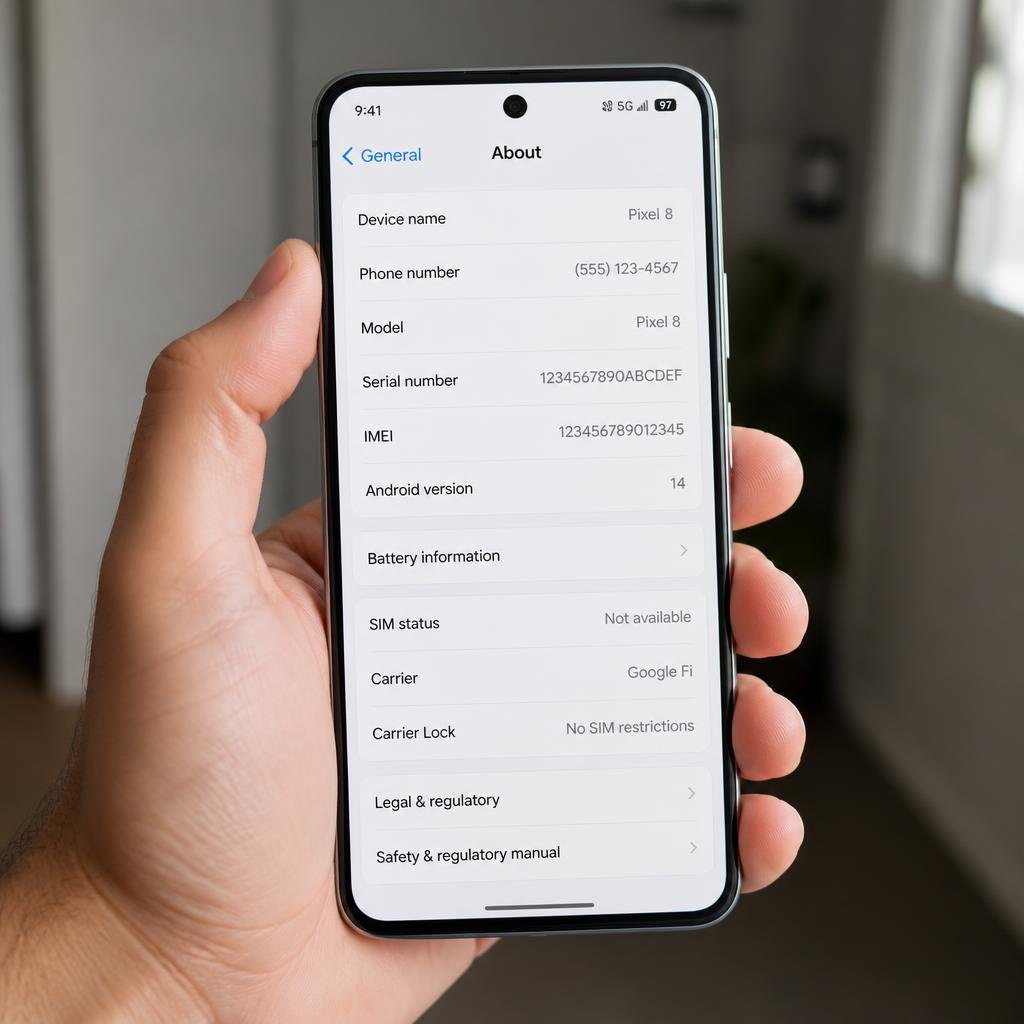
Apple provides one of the simplest ways to check.
Step 1: Open Settings
Open the Settings app on your iPhone.
Step 2: Open General
Tap General, then select About.
Step 3: Find Carrier Lock
Scroll down until you see Carrier Lock or Network Provider Lock, depending on the iOS wording.
If the status says:
No SIM restrictions
your iPhone is carrier unlocked.
If it shows a carrier restriction instead, the iPhone may still be locked to that network. Apple says that only the current network provider can unlock a carrier-locked iPhone; Apple itself does not remove the carrier restriction.
What if “Carrier Lock” is not shown?
If you are using an older iOS version or cannot find the setting, try a SIM from another carrier or contact your network provider.
For a physical SIM iPhone, swapping in another carrier’s SIM can provide a practical test. For an eSIM-only iPhone, checking the Carrier Lock setting or contacting the carrier is usually more convenient.
Apple’s Official Iphone Guide confirms that an iPhone showing ‘No SIM restrictions’ under Network Provider Lock is unlocked
How to Check If Your Android Phone Is Unlocked
Android is different from iPhone because there is no single universal carrier-lock menu across every manufacturer.
Samsung, Google Pixel, Motorola and other manufacturers can use different settings and terminology. Software versions and carrier-specific firmware can also change where the information appears.
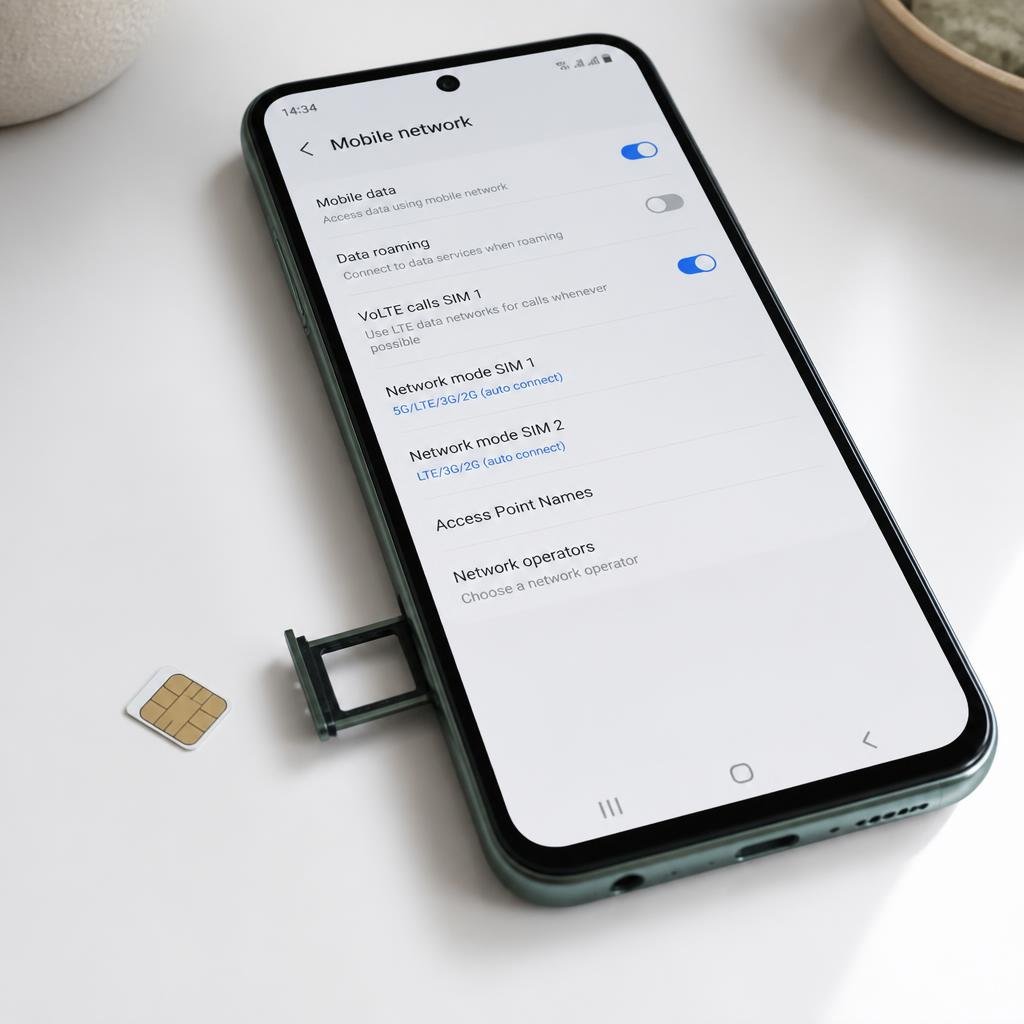
Start by opening Settings and searching for terms such as:
- SIM
- SIM status
- Network unlock
- Network lock
- Mobile network
- Network operators
- Carrier
If your phone clearly says that the device is unlocked, you have your answer.
If there is no clear status, use the different-SIM test explained below or contact the original carrier.
How to Check If a Samsung Galaxy Phone Is Unlocked
Samsung Galaxy menus can vary by model and carrier, so there is not one path that works on every device.
Start with:
Settings → Connections → Mobile networks → Network operators
If your phone allows you to turn off automatic network selection and manually search for available networks, you may be able to see networks other than your current carrier.
However, this is not a definitive test on every Galaxy model. If you need a reliable answer, use a compatible SIM or eSIM from another carrier.
Some Galaxy devices may also expose network-unlock information through their settings, but the exact wording and location can vary.
How to Check If a Google Pixel Phone Is Unlocked
Google states that a Pixel must be SIM-unlocked to use it with a different mobile carrier. Pixel phones purchased from the Google Store are sold unlocked, while phones purchased through a mobile provider can be SIM-locked depending on the sales arrangement.
On a Pixel, open:
Settings → About phone → SIM status
Depending on the model and software version, this can show information about the current network and SIM.
If the phone does not clearly tell you whether it is unlocked, testing it with another carrier’s SIM/eSIM or contacting the original carrier is a better way to confirm.
Google also warns that an unlocked Pixel may not support every carrier’s 5G network, so unlocked does not always mean universally compatible.
How to Check If Your Phone Is Unlocked With Another SIM
If your phone does not provide a clear status in Settings, the most practical test is to use a SIM from a different carrier.
You need an active SIM from a network that is different from the phone’s current carrier.
Follow these steps:
- Turn off the phone if you are using a physical SIM.
- Remove the current SIM.
- Insert the SIM from the other carrier.
- Turn the phone back on.
- Wait for the phone to connect to the network.
- Check whether you can make a call, send a text and use mobile data.
If the phone connects normally to the other carrier, that is strong evidence that the phone is unlocked.
If you see messages such as SIM Not Supported, Invalid SIM, SIM Not Provisioned or a request for an unlock code, the phone may be carrier locked.
Keep in mind that a failed SIM test does not always prove a carrier lock. The new SIM may not be activated, the phone may not support the carrier’s network bands, or the carrier may have another compatibility requirement.
Apple also recommends trying another SIM when troubleshooting an iPhone that reports an invalid or unsupported SIM.
Can You Check If a Phone Is Unlocked Without Another SIM?
Yes, but the available method depends on the phone.
On an iPhone, you normally do not need another SIM because the Carrier Lock setting provides a direct answer.
On Android, some phones provide network or SIM information in Settings, but others do not provide a clear unlocked/locked status.
If Android does not show a definitive result, your best options are:
- Test another carrier’s SIM or eSIM.
- Ask the original carrier to check the device.
- Check the phone manufacturer’s support information for your specific model.
Avoid relying on random IMEI-checking websites as your only source of truth. A carrier’s own records are more useful when you need to confirm whether the device can actually be unlocked.
What If Your Phone Is Locked?
If you discover that your phone is carrier locked, you generally need to contact the carrier that applied the restriction.
The carrier may have eligibility requirements before it will unlock the phone. These can depend on how the device was purchased, whether it has been paid off, the account status and the carrier’s policies.
For an iPhone, Apple specifically says that the network provider—not Apple—is responsible for unlocking the device.
For a Pixel purchased through a carrier, Google likewise directs users toward the mobile provider when a SIM lock needs to be removed.
Do not assume that resetting the phone, changing the SIM PIN or performing a factory reset will remove a carrier lock. Those actions do not normally remove the carrier restriction.
Does an Unlocked Phone Work With Every Carrier?
No.
An unlocked phone can be used with other compatible carriers, but compatibility still matters.
Before switching networks, check:
- Supported 4G and 5G bands
- Network technology supported by the phone
- Carrier compatibility
- eSIM support if you plan to use an eSIM
- Whether the phone is approved for the carrier’s network
- Whether the device has a clean IMEI
This is particularly important when buying an imported phone.
For example, Google notes that not every Pixel model works with every 5G network even though an unlocked Pixel can be used with different mobile providers.
How to Check a Used Phone Before Buying It
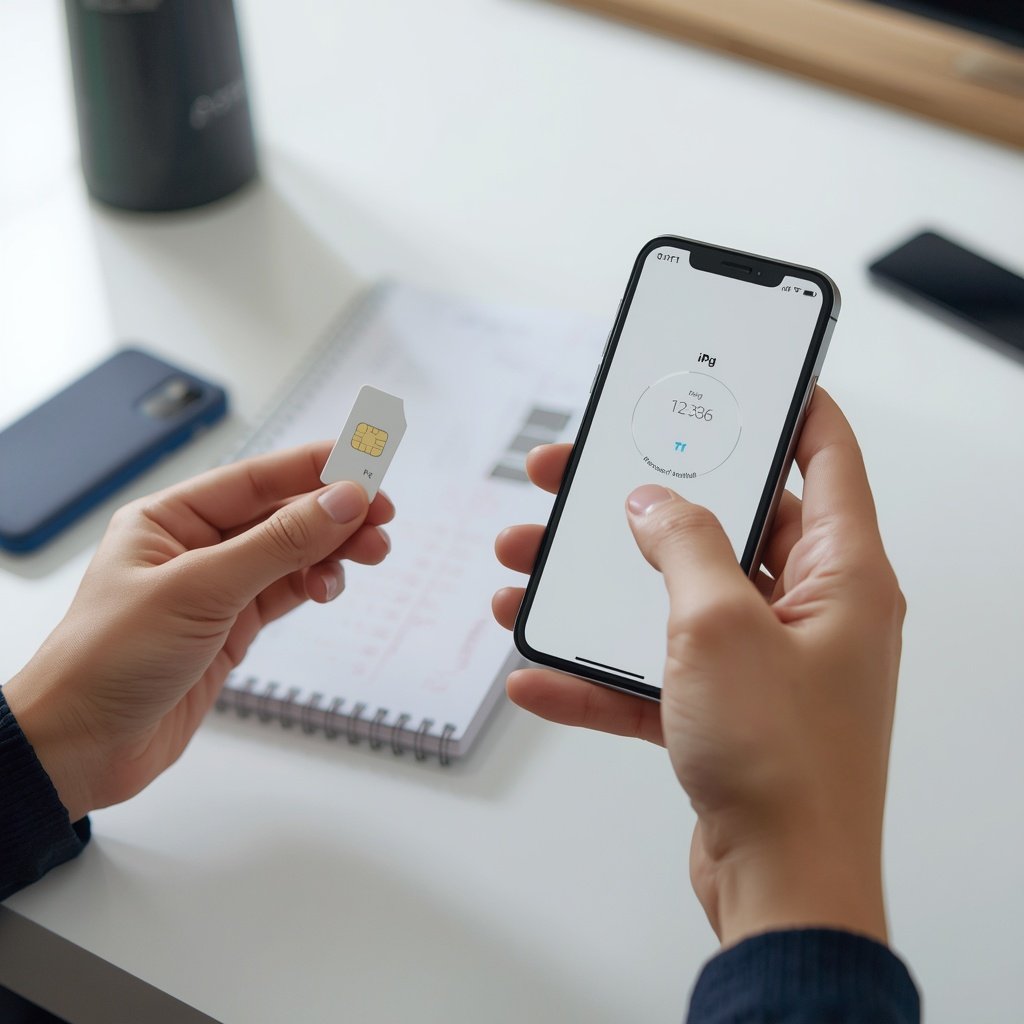
If you are buying a second-hand phone, checking the carrier lock is only one part of the process.
For an iPhone
Go to:
Settings → General → About → Carrier Lock
Look for No SIM restrictions.
Then make sure the device is not still connected to the previous owner’s Apple Account. A phone can be carrier unlocked and still have Activation Lock, which is a separate problem.
For an Android phone
Check the SIM/network status and, where possible, test the phone with your intended carrier’s SIM or eSIM.
Also verify:
- The IMEI is not reported as lost or stolen.
- The phone can connect to the intended network.
- Calls and mobile data work.
- The device is not subject to an account or financing restriction.
- The seller provides a reasonable return option.
A phone that simply turns on is not necessarily ready to use on your network.
Why Does My Phone Say “No Service” Even Though It Is Unlocked?
An unlocked phone can still show No Service, SOS or a similar message.
Possible causes include:
- The carrier SIM or eSIM is not activated.
- The phone is incompatible with the network.
- The phone does not support the carrier’s required bands.
- There is a local coverage problem.
- The carrier account has an issue.
- The IMEI is blocked.
- The device has a hardware problem.
- A network or carrier settings update is required.
So, do not automatically conclude that a phone is locked simply because it has no signal.
On iPhone, Apple recommends checking the active carrier plan, restarting the device, checking for carrier settings updates and trying another SIM when appropriate.
What Is the Difference Between Unlocked and SIM-Unlocked?
In everyday phone buying and carrier terminology, unlocked, carrier unlocked, network unlocked and SIM unlocked are generally referring to the same basic concept: the device is not restricted to one carrier.
However, an unlocked device still needs to be technically compatible with the network you want to use.
That distinction matters when buying phones internationally or switching to a smaller carrier.
Frequently Asked Questions
How do I check if my phone is unlocked?
On an iPhone, open Settings → General → About and look for Carrier Lock. If it says No SIM restrictions, the phone is unlocked. On Android, check the SIM or network settings, or test the phone with another carrier’s SIM or eSIM.
How do I check if my Android phone is unlocked?
Android does not have one universal method. Check Settings for SIM status, network unlock or network operator information. If the phone does not provide a clear answer, testing another carrier’s SIM or contacting the original carrier is more reliable.
How do I check if my iPhone is unlocked?
Go to Settings → General → About → Carrier Lock. No SIM restrictions means the iPhone is unlocked.
Can I check whether a phone is unlocked with the IMEI?
An IMEI can help a carrier identify a device, but an IMEI lookup alone should not be treated as a universal proof of carrier-unlock status. The original carrier’s records and an actual SIM/eSIM test are more useful.
Does putting another SIM in a phone unlock it?
No. A different SIM does not remove a carrier lock. It is simply a way to test whether the phone is already unlocked.
Can an unlocked phone still be blocked?
Yes. Carrier unlocking and IMEI blocking are separate. A phone can be unlocked but still have a blocked or reported IMEI.
Is an unlocked phone better?
Usually, an unlocked phone gives you more flexibility because you are not tied to one carrier. It can be especially useful when changing networks, travelling or buying a phone second-hand. However, you should still check network compatibility before buying.
Final Answer
The quickest way to check if your phone is unlocked depends on the device.
For an iPhone, go to Settings → General → About → Carrier Lock. If you see No SIM restrictions, the phone is carrier unlocked.
For Android, look through the SIM, network or carrier settings, but remember that the menu differs between manufacturers. If there is no clear answer, testing the phone with a SIM or eSIM from another carrier is one of the most practical ways to confirm its status.
Just remember: unlocked does not mean compatible with every network. Before switching carriers or buying a used phone, check network compatibility, IMEI status and any separate account or activation locks.