Finding the best gaming laptops under $1000 is much easier than it used to be, but there is still a big difference between a laptop that looks good on a product page and one that actually makes sense for gaming.
In 2026, a $1,000 budget can get you a capable 1080p gaming laptop with a modern dedicated GPU, 16GB of RAM, a fast SSD, and a high-refresh-rate display. Depending on sales and configuration, you may also find newer RTX 50-series graphics or a discounted RTX 5060 model around this price. Current market guides show RTX 4050 and RTX 5050 laptops as common options below $1,000, while RTX 5060 models can become particularly attractive when discounted.
The important part is which configuration you buy. Two laptops with the same GPU name can perform differently because of GPU power limits, cooling, CPU choice, memory configuration, and display quality.
This guide focuses on what actually matters when choosing a gaming laptop under $1,000, including options for AAA gaming, competitive games, school and gaming, portability, and getting the most performance for your money.
Quick Answer: What Is the Best Gaming Laptop Under $1000?
For most buyers, the sweet spot is a laptop with 16GB RAM, at least a 512GB SSD, a dedicated RTX GPU, and a 120Hz or 144Hz-or-faster display.
If you find an RTX 5060 laptop with 16GB RAM for under $1,000, it deserves serious consideration. Lenovo’s current LOQ configurations, for example, include RTX 5060 models with 8GB GDDR7, while some configurations use 100W–115W GPU power limits.
If an RTX 5060 configuration is too expensive, an RTX 5050 or RTX 4050 laptop is still a sensible target for 1080p gaming. Current 2026 guides commonly place RTX 4050 machines in the budget category, while RTX 5050 models are becoming increasingly common around the $1,000 mark.
Best Gaming Laptops Under $1000 at a Glance
| Laptop | Best For | GPU Target | RAM | Display Target |
|---|---|---|---|---|
| Lenovo LOQ 15 | Best value when discounted | RTX 5060 | 16GB | 144Hz–165Hz |
| Acer Nitro V 16 | Best budget performance | RTX 5050 | 16GB | 165Hz |
| ASUS TUF Gaming A15 | Balanced gaming | RTX 4050/5060 depending on deal | 16GB | 144Hz |
| HP Victus 15/16 | Mainstream value | RTX 4050/5050 | 16GB | 144Hz |
| MSI Katana series | Performance-focused deals | RTX 4050/5050/5060 | 16GB | 144Hz+ |
Prices and configurations change frequently. Always check the exact model number before buying.
1. Lenovo LOQ 15 — Best Overall Value When Under $1,000
The Lenovo LOQ 15 is one of the most interesting choices in this price range because its newer configurations can combine a strong CPU, 16GB DDR5 memory, a fast SSD, and an RTX 5060 Laptop GPU.
One current LOQ 15 configuration pairs an Intel Core Ultra 7 356H with 16GB DDR5-5600, a 512GB PCIe 4.0 SSD and an RTX 5060 with 8GB GDDR7 and a 115W TGP. The display is a 15.3-inch 1920×1200 IPS panel running at 165Hz with G-SYNC.
That is an unusually strong specification combination if you can actually find the configuration below your $1,000 ceiling.
Why the LOQ 15 stands out
- RTX 5060 options with 8GB GDDR7
- 16GB DDR5 memory
- Fast PCIe 4.0 storage
- High-refresh display options
- Two RAM slots on supported configurations
- Multiple M.2 storage slots
- Good upgrade potential
Lenovo lists two DDR5 SODIMM slots and support for up to 32GB memory on the LOQ 15 configuration above, while storage can also be expanded with additional M.2 drives.
The catch
Don’t buy a LOQ simply because the name says RTX 5060.
Check the exact configuration, GPU power limit, RAM arrangement, storage and screen. Lenovo sells several LOQ configurations, and they are not identical.
Best for: Buyers who want maximum gaming performance per dollar.
2. Acer Nitro V 16 — Best Budget RTX 5050 Option
The Acer Nitro V 16 is another strong option if you want a newer GPU without moving far beyond the $1,000 budget.
A current Nitro V 16 configuration uses an Intel Core 7 240H processor, RTX 5050 with 8GB GDDR7, 16GB DDR5 memory and a 16-inch 1920×1200 IPS display running at 165Hz. Acer lists the RTX 5050 at up to 75W in one configuration, so the exact model number matters.
A higher Nitro V 16 AI configuration listed by Acer uses an Intel Core Ultra 7 355, 16GB DDR5, a 512GB Gen4 SSD, RTX 5050 8GB GDDR7 and a 165Hz WUXGA display with 100% sRGB and 400-nit brightness.
Why choose the Nitro V 16?
Its 16:10 display gives you more vertical screen space than a traditional 16:9 panel, while the 165Hz refresh rate is useful for competitive games.
The RTX 5050 also brings the newer RTX 50-series feature set, including DLSS 4 support.
Best for: Gamers who want a modern RTX 50-series laptop without spending heavily on premium models.
3. ASUS TUF Gaming — Best for a Balanced Gaming Laptop
The ASUS TUF Gaming family is worth watching when you’re shopping during sales.
Rather than choosing a TUF model purely because of the brand name, look for a configuration with:
- RTX 4050 or better
- 16GB RAM
- 512GB SSD or larger
- 144Hz display
- A recent Ryzen or Intel processor
The TUF range has traditionally focused on balancing performance, durability and price. The important thing at this budget is getting the GPU configuration right rather than paying extra for cosmetic features.
If an RTX 5060 configuration drops below $1,000, it becomes much more interesting. If the price is closer to $700–$800, an RTX 4050 configuration can make sense for buyers primarily playing esports and mainstream 1080p games.
Best for: Students and gamers who want one machine for everyday use and gaming.
4. HP Victus 15 or 16 — Best Mainstream Budget Choice
The HP Victus line is another option worth considering when discounted.
The biggest advantage of the Victus range is that it frequently appears in mainstream retail channels, making it easier to compare configurations and find sales.
For a gaming laptop under $1,000, prioritize:
RTX 4050/5050 → 16GB RAM → 512GB SSD → 144Hz display
That order is more important than buying a laptop simply because it has a Core i7 or Ryzen 7 badge.
A laptop with a slightly less expensive CPU but a substantially better GPU can be the better gaming machine.
Best for: Buyers who want a mainstream gaming laptop rather than an enthusiast-focused model.
5. MSI Katana — Best When You Find a Strong Sale
MSI’s Katana range frequently appears in budget gaming laptop comparisons because it focuses heavily on gaming hardware.
Look for configurations with an RTX 4050, RTX 5050 or RTX 5060 and at least 16GB RAM.
The Katana makes the most sense when its configuration is priced noticeably below competing Lenovo, Acer, ASUS or HP models.
Don’t automatically choose it because the specification sheet contains a powerful CPU. For gaming, the GPU and its power configuration should receive more attention.
Best for: Buyers who prioritize raw gaming hardware over premium materials or portability.
What Should You Look for in a Gaming Laptop Under $1000?
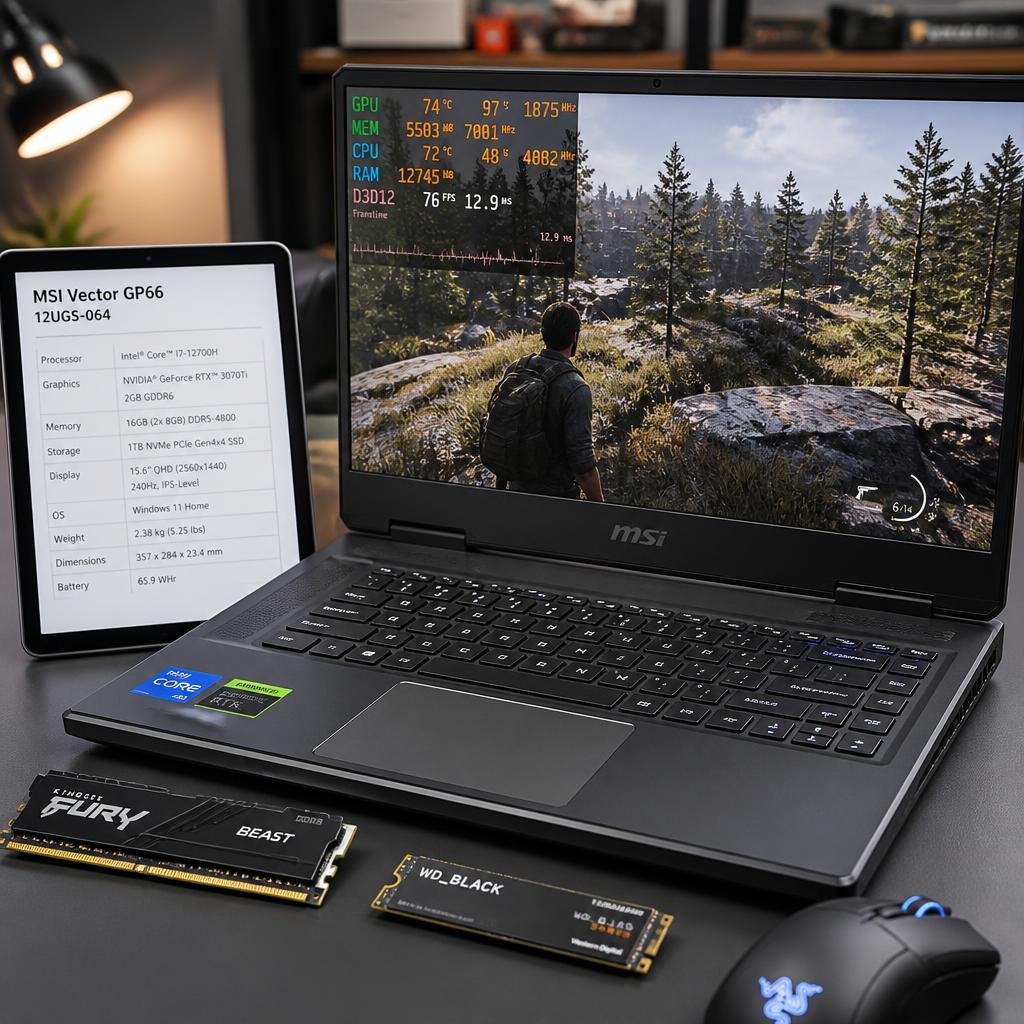
The most important thing is not the laptop’s brand. It’s the combination of components.
For a broader explanation of the hardware factors that matter when choosing a gaming machine, see this gaming laptop buying guide.
1. GPU: The Most Important Gaming Component
For gaming, the GPU should receive the largest part of your attention.
The current budget hierarchy is roughly:
RTX 5060 → RTX 5050/RTX 4050 → older RTX 3050-class hardware
An RTX 5060 is the obvious target if you can find one within budget.
The RTX 5050 is particularly interesting because it uses 8GB GDDR7 in current laptop implementations and supports newer NVIDIA technologies such as DLSS 4.
An RTX 4050 is still perfectly usable for 1080p gaming, particularly when paired with 16GB RAM and a good cooling system.
The biggest mistake is focusing only on the GPU’s name.
GPU power matters too.
For example, Lenovo lists an RTX 5060 at 115W in one LOQ configuration, while the LOQ Essential configuration lists the RTX 5060 at 65W. Both are called RTX 5060, but that doesn’t mean you should expect identical performance.
That’s exactly why checking the full model number and specification sheet matters.
2. RAM: Get 16GB
For a new gaming laptop under $1,000, 16GB RAM should be your baseline.
8GB can work for lighter gaming, but it gives you less headroom for modern games, browsers, Discord, launchers and background applications.
If you’re buying a laptop for gaming and school, 16GB is even more important because you’ll likely have multiple applications open simultaneously.
Is 32GB RAM better?
Yes, but it shouldn’t come at the expense of the GPU.
I’d generally prefer:
RTX 5060 + 16GB RAM
over:
RTX 4050 + 32GB RAM
if gaming performance is the primary objective.
If the laptop has upgradeable RAM, you can potentially move from 16GB to 32GB later.
3. Storage: 512GB Is the Minimum I’d Target
A 512GB SSD is a sensible starting point.
A 256GB drive can become frustrating very quickly once you install Windows, several large games and your everyday applications.
If you regularly play large AAA games, 1TB is preferable.
Some LOQ configurations provide multiple M.2 storage slots, giving buyers an upgrade path instead of forcing them to replace the original drive.
4. Display: 144Hz Is the Sweet Spot
A 144Hz gaming laptop is usually a better target than paying extra for a high-resolution screen that your GPU cannot fully utilize.
For a $1,000 gaming laptop, look for:
- 1080p or 1920×1200
- 120Hz minimum
- 144Hz or 165Hz preferred
- IPS panel
- Good brightness
- Reasonable color coverage
A 165Hz display is particularly attractive for esports games.
Don’t assume that a 4K display automatically makes a laptop better for gaming. Higher resolution places considerably more demand on the GPU, while high-refresh 1080p displays can provide a smoother gaming experience at this budget.
5. CPU: Don’t Overspend on the Processor
A common mistake when shopping for gaming laptops is seeing Core i7 or Ryzen 7 and assuming it’s automatically the best choice.
The CPU matters, but the GPU generally has a larger impact on gaming performance.
A modern Core i5/Core Ultra 5 or Ryzen 5 can be an excellent pairing for a budget gaming GPU.
Move up to a Ryzen 7 or Core i7 when the price difference is reasonable and the rest of the configuration remains strong.
For example, Lenovo currently offers LOQ configurations combining Core i7 processors with RTX 5060 graphics, 16GB RAM and 512GB storage.
Best Gaming Laptop Under $900
If your real budget is closer to $900, don’t worry.
You can still get a capable gaming machine.
The priority order should be:
- RTX 4050 or better
- 16GB RAM
- 512GB SSD
- 144Hz display
- Recent Ryzen 5/7 or Intel Core processor
A discounted RTX 5050 model is even more attractive.
The key is to compare actual configurations, not just laptop families.
Best Gaming Laptop Under $800
At around $800, the market becomes more competitive.
You may have to compromise on one or two features, such as:
- GPU tier
- display brightness
- SSD capacity
- CPU generation
- chassis quality
This is where an RTX 4050 laptop with 16GB RAM can make a lot of sense.
Don’t spend the entire budget chasing an expensive CPU if it means dropping from a dedicated RTX GPU to integrated graphics.
Best Gaming Laptop Under $600
The gaming laptop under $600 category requires realistic expectations.
At this price, you should expect compromises.
You may find older RTX 3050-class machines, entry-level dedicated GPUs or heavily discounted previous-generation hardware.
If gaming is the main purpose, don’t confuse a cheap everyday laptop with a gaming laptop simply because it has a fast processor.
Integrated graphics can handle esports and lighter games, but they aren’t equivalent to a dedicated gaming GPU.
If possible, stretching the budget toward $700–$800 can substantially improve the type of hardware available.
Are Gaming Laptops Under $1000 Good Enough for Modern Games?
Yes.
A good gaming laptop under $1,000 can be an excellent 1080p gaming machine.
The realistic target is not necessarily maximum graphics settings in every new AAA game.
Instead, you’re looking for a balanced system capable of delivering good performance at 1080p with sensible settings.
Newer GPUs such as the RTX 5050 and RTX 5060 also bring modern NVIDIA features covered by the NVIDIA GeForce RTX 50 Series, while established RTX 4050 laptops remain viable budget options..
For competitive games, these laptops can be especially capable because those games generally don’t require the same GPU power as demanding AAA releases.
Can You Game on a 14-Inch Laptop?
Yes, but portability becomes the priority.
A 14 inch gaming laptop is attractive if you travel frequently, attend school or university, or don’t want to carry a large 15.6- or 16-inch machine.
The trade-off is that smaller laptops can have less room for cooling and may offer fewer ports.
If portability is your priority, a 14-inch model can be worth considering.
If maximum gaming performance is your priority, a 15.6- or 16-inch laptop is usually easier to recommend because manufacturers have more physical space for cooling and higher-power components.
Are Gaming Laptops Good for School?
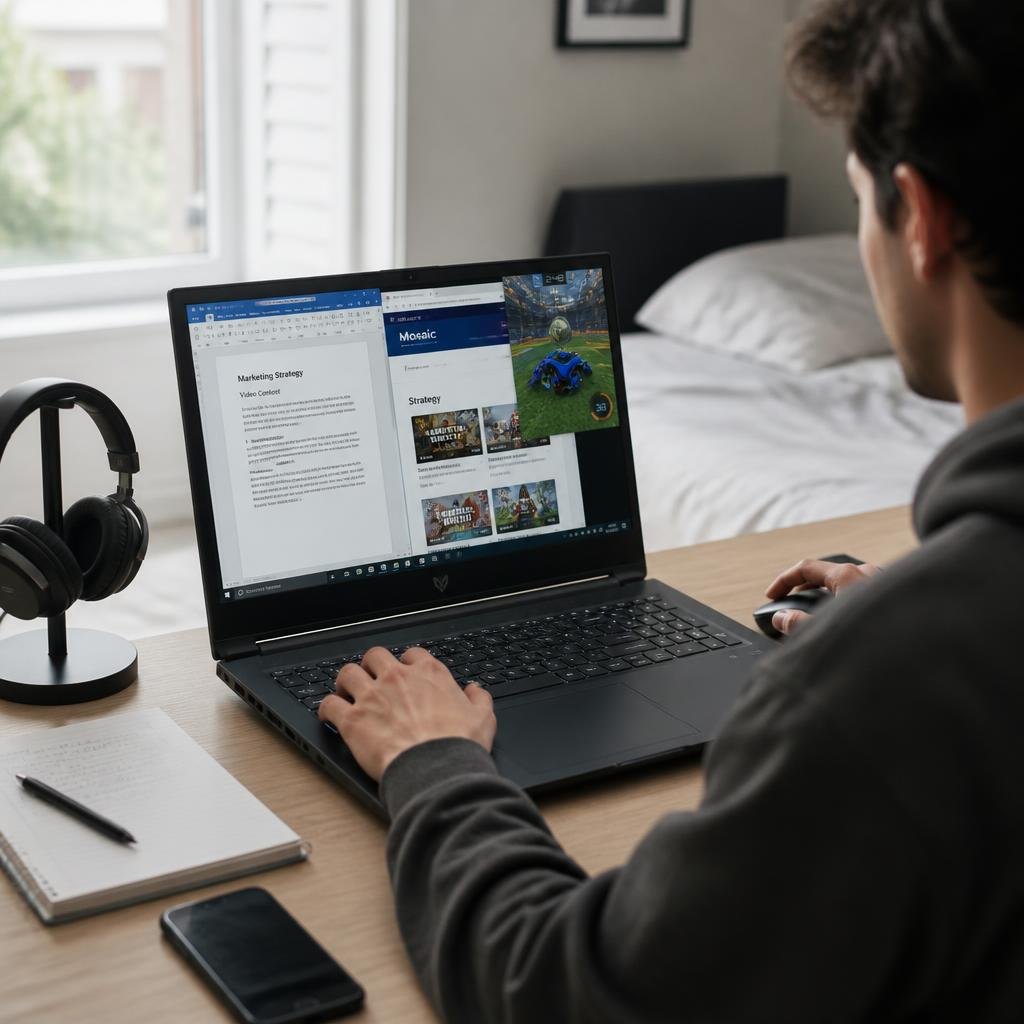
Absolutely.
A gaming laptop can handle:
- Microsoft Office
- Web browsing
- Programming
- Video editing
- School projects
- Streaming
- Gaming
The main downside is portability and battery life.
Gaming laptops are generally heavier than conventional productivity laptops, and gaming performance normally requires the laptop to be connected to its power adapter.
If you need a machine for both school and gaming, look for a laptop that balances weight, battery capacity, keyboard quality and gaming hardware instead of buying the most powerful GPU available.
What About Battery Life?
Battery life is one area where gaming laptops usually compromise.
The powerful CPU and discrete GPU consume substantially more power than the components in a typical productivity laptop.
You should therefore think of battery life as a secondary feature when buying a gaming machine.
A laptop with a larger battery, efficient processor and good power management may last longer away from the charger, but don’t expect demanding gaming sessions to run for hours on battery.
For serious gaming, you’ll normally want the included power adapter connected.
What Gaming Laptop Specs Should You Avoid?
Be cautious when you see a laptop under $1,000 with:
8GB RAM
It may be upgradeable, but 16GB is a much better starting point.
256GB SSD
You’ll fill it quickly with modern games.
60Hz display
A 120Hz or 144Hz panel is a much better fit for a gaming machine.
Unknown GPU power limit
Two laptops with the same GPU can perform differently.
Very old GPU
A cheap older gaming laptop isn’t automatically a good deal.
Attractive CPU paired with weak graphics
A Core i7 does not magically turn a weak GPU into a powerful gaming system.
RTX 4050 vs RTX 5050 vs RTX 5060 Laptop
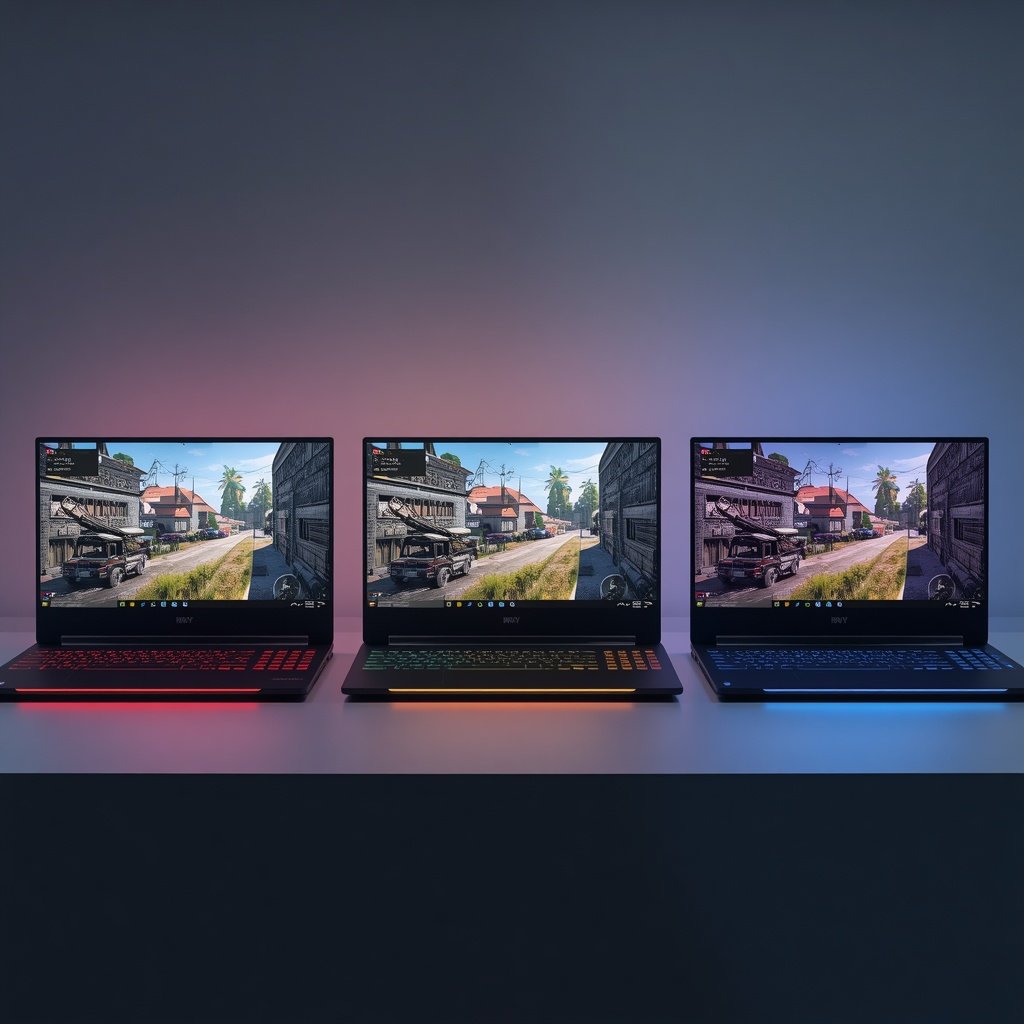
If you’re comparing these GPUs, the simple answer is:
RTX 5060: Target this if you can find it under $1,000 without compromising the rest of the system.
RTX 5050: A strong newer-generation option for budget buyers, particularly if the laptop has 16GB RAM and a good display.
RTX 4050: Still a sensible choice when heavily discounted.
The exact implementation matters. GPU power limits, cooling, CPU pairing and memory configuration can change real-world performance, so the GPU name should never be the only factor in your decision.
Should You Buy an RTX 4060 Gaming Laptop Under $1000?
If you find a new RTX 4060 laptop below $1,000, it can still be worth considering.
However, don’t assume that every RTX 4060 deal is automatically better than every RTX 5050 or RTX 5060 laptop.
The condition, warranty, GPU power limit, CPU, RAM, display and storage all matter.
For a refurbished or open-box RTX 4060 laptop, pay particular attention to the seller’s return policy and warranty.
What About OLED Gaming Laptops Under $1000?
An OLED gaming laptop can provide a beautiful display with excellent contrast and deep blacks.
But OLED shouldn’t be the first specification you prioritize on a $1,000 gaming budget.
I’d rather have:
better GPU + 16GB RAM + 144Hz IPS
than:
weaker GPU + 8GB RAM + OLED
if gaming performance is the primary goal.
Once the core hardware is strong enough, OLED becomes a worthwhile bonus.
Is a Gaming Laptop Under $1000 Worth It?
If you’re considering spreading the cost of a laptop, our guide to buying a laptop on finance explains the options available to UK buyers..
The $1,000 range is currently large enough to access dedicated RTX graphics, fast SSD storage, 16GB memory and high-refresh displays without moving into premium pricing.
The important thing is to avoid buying based on one specification.
A laptop advertised as having a “powerful Core i7” isn’t necessarily a better gaming machine than a Core i5 model with a stronger GPU.
The same applies to RAM, display resolution and even GPU model numbers.
How We Recommend Gaming Laptops Under $1000
A useful buying guide needs more than a list of laptop names.
For this category, the most important criteria are:
Gaming performance: GPU class, GPU power limit and cooling.
Memory: 16GB is the preferred baseline, with upgradeability being a bonus.
Storage: 512GB minimum, with 1TB preferred for large game libraries.
Display: 120Hz or 144Hz and above, with panel quality and brightness considered.
CPU: Strong enough to avoid bottlenecking the GPU without consuming too much of the budget.
Upgradeability: Accessible RAM and additional SSD slots can extend the laptop’s useful life.
Value: The exact street price matters more than the manufacturer’s suggested retail price.
This approach also explains why there isn’t one universally “best” gaming laptop under $1,000. The best choice changes depending on whether you care most about performance, portability, battery life, school use or display quality.
Frequently Asked Questions
What is the best gaming laptop under $1000?
The best choice depends on the exact configuration and current price. A Lenovo LOQ with an RTX 5060 is particularly attractive when its 16GB configuration falls below $1,000. RTX 5050 and RTX 4050 laptops are strong alternatives when priced lower.
What is the best gaming laptop under $900?
Look for an RTX 4050 or RTX 5050 laptop with 16GB RAM, a 512GB SSD and a 144Hz display. A discounted RTX 5060 is even better if you can find one within the budget.
Is $1000 enough for a gaming laptop?
Yes. A $1,000 budget is enough for a capable 1080p gaming laptop with dedicated RTX graphics, 16GB RAM and a high-refresh display.
Is 16GB RAM enough for gaming?
Yes. 16GB is a good baseline for a new gaming laptop. If you also stream, edit video or run demanding applications alongside games, 32GB can be useful.
Is an RTX 4050 laptop still worth buying?
Yes, if the price is right. An RTX 4050 laptop can be a good 1080p gaming machine, particularly when it costs substantially less than a newer RTX 5050 or RTX 5060 configuration.
Is an RTX 5060 laptop worth it under $1000?
Absolutely, provided the exact configuration is legitimate and doesn’t make excessive compromises elsewhere. Check the GPU power limit, RAM, SSD, display and cooling before buying.
Are gaming laptops good for school?
Yes. They can handle schoolwork, browsing, programming, office applications and gaming. The main disadvantages are usually weight, charger size and battery life compared with conventional laptops.
Can a gaming laptop under $1000 run AAA games?
Yes. Modern budget gaming laptops are capable of running many AAA games at 1080p, although the required graphics settings vary by game. You should not expect every title to run at maximum settings with high frame rates.
Is 144Hz worth it on a gaming laptop?
Yes. A 144Hz display can make games feel noticeably smoother than a 60Hz panel, particularly in competitive titles.
Should I buy a 14-inch or 16-inch gaming laptop?
Choose 14 inches if portability is important. Choose 15.6 or 16 inches if gaming performance, cooling and a larger screen are more important.
Final Verdict
The best gaming laptops under $1000 in 2026 are not necessarily the machines with the flashiest specifications.
The best value comes from finding the right balance.
If possible, target an RTX 5060 with 16GB RAM, especially when a Lenovo LOQ or similar configuration falls below $1,000. Lenovo’s current specifications demonstrate how strong this combination can be, with RTX 5060 graphics, 8GB GDDR7, 16GB DDR5 and high-refresh displays available in the LOQ family.
If that combination is too expensive, an RTX 5050 or RTX 4050 with 16GB RAM is the next sensible target.
For most buyers, the ideal specification is:
RTX 4050/5050/5060 + 16GB RAM + 512GB SSD + 144Hz or faster display.
And before buying, check the exact model number, GPU power limit, RAM configuration, SSD capacity, display specifications, warranty and current selling price.
That last step matters because gaming laptop configurations and prices can change quickly. A laptop that is an excellent deal at $899 may be a poor purchase at $1,099.
The best deal is the one where the actual configuration, not just the product name, gives you the most gaming performance for your money.