If you’ve searched for a “Dell XPS 14” recently and found a laptop called “Dell 14 Premium” instead, you’re not losing your mind — Dell genuinely killed the XPS name for about a year, then brought it back. Here’s the full story, plus a real review of what the 2026 XPS 14 (model DA14260) actually gets right and wrong.
Wait, Is It Called XPS 14 or Dell 14 Premium?
Both, depending on when you’re reading this. At CES 2025, Dell renamed its entire consumer and business lineup, dropping XPS, Latitude, Precision, and Inspiron in favor of simpler names:
| Old Name | Renamed To (2025) | 2026 Status |
| XPS | Dell Premium | Brought back as “XPS” again |
| Latitude | Dell Pro | Still called Dell Pro |
| Precision | Dell Pro Max | Still called Dell Pro Max |
| Inspiron | Dell | Still called Dell |
The XPS 14 became the “Dell 14 Premium” (model DA14250) in June 2025. The rename didn’t land well with longtime fans, and at CES 2026, Dell reversed course and brought the XPS name back for a redesigned 2026 model, DA14260. The old DA14250 hasn’t disappeared, though — Dell still sells it, now discounted, specifically for buyers who want the optional discrete RTX 4050 graphics that the new 2026 model doesn’t offer.
If you see “XPS 14 9440,” that’s the original 2024 model that came before either rename — it’s now the oldest of the three still floating around in searches and on resale sites.
Design and Build
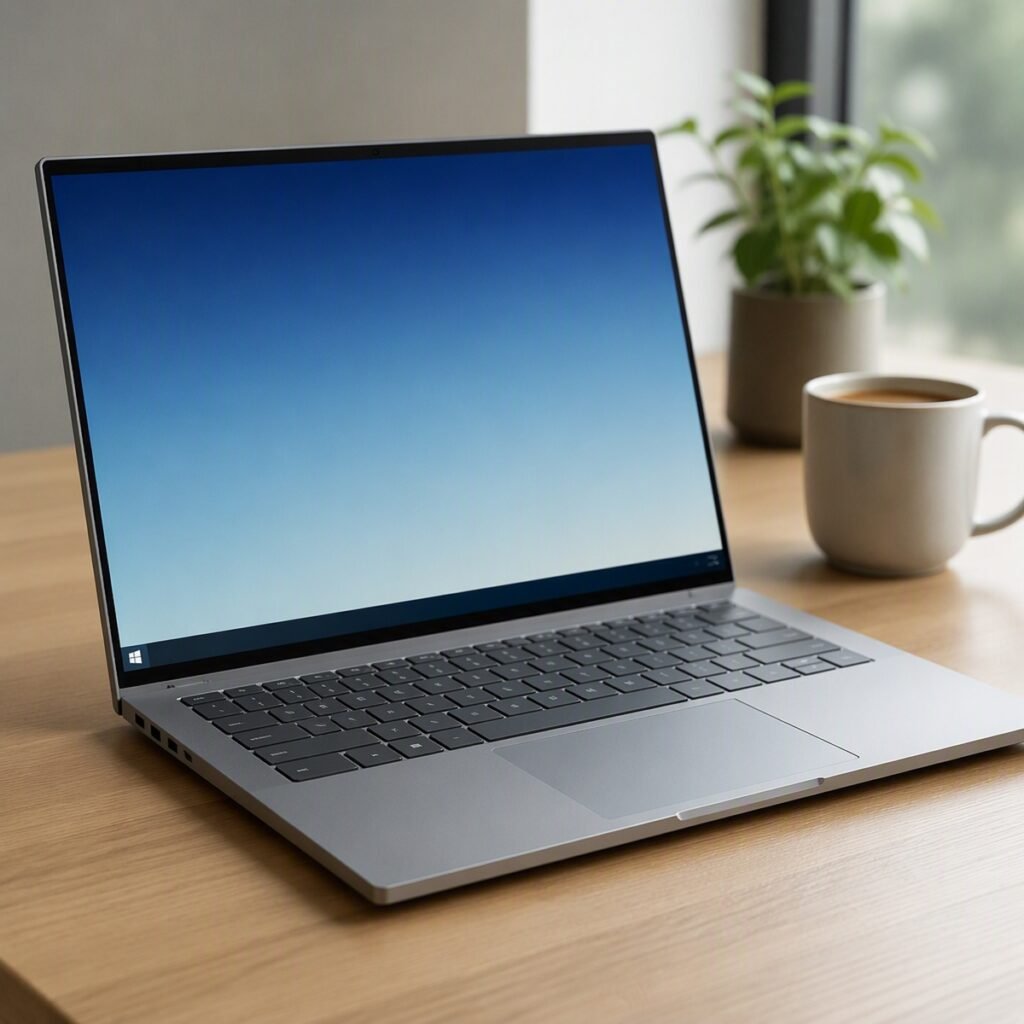
The 2026 redesign directly walks back the two most criticized parts of the 2025 Dell 14 Premium. The capacitive, touch-sensitive function row is gone, replaced with a proper physical function row. The touchpad, which was previously invisible and blended seamlessly (and confusingly) into the palm rest, is now a clearly visible clickpad. The chassis itself is a CNC-machined aluminum unibody, and at 14.6mm thick and 1.36kg, Dell says it’s the thinnest XPS yet.

It ships in Graphite at launch, with a lighter Shimmer color option added later in 2026. There’s no “Arctic White” option on this generation — that was a color used on older XPS 15 models, not the current 14.
One clarification worth making directly: the XPS 14 is a traditional clamshell laptop, not a 2-in-1. If you want a convertible/tablet-style Dell, that’s a different product line entirely.
Display: 2K or 2.8K OLED?
You get a choice of two panels. The base configuration uses a 1920×1200 2K LCD with a 1-120Hz variable refresh rate, tuned to stretch battery life. Stepping up gets you the panel most reviewers actually recommend: a 2880×1800 tandem OLED touchscreen — that’s the “2.8K” display people are asking about, and it’s a genuinely different panel technology (tandem OLED stacks two emissive layers for more brightness and longevity than standard OLED), not just a marketing number. Reviewers measured real-world brightness somewhat below Dell’s stated spec on early units, so expect vivid colors and strong contrast, if not class-leading peak brightness.
Performance: Panther Lake Configurations
Every 2026 XPS 14 configuration runs on Intel’s new Panther Lake chips (Core Ultra Series 3), and Intel has fully moved on from the old i5/i7 naming — there’s no “XPS 14 i5” model here, only the Ultra tiers below:
| Processor | Display | RAM | Starting Price |
| Core Ultra 5 325 | 2K LCD, non-touch | 16GB | ~$1,599 |
| Core Ultra 7 355 | 2K LCD or 2.8K OLED touch | 16-32GB | ~$1,699-2,050 |
| Core Ultra X7 358H | 2.8K OLED touch | 32GB | ~$2,199 |
| Core Ultra X9 388H | 2.8K OLED touch | Up to 64GB | ~$4,000 |
All configurations use integrated Arc graphics (12 Xe-cores) — there’s no discrete GPU option on the 2026 model. In hands-on testing, that integrated Arc B390 graphics performed close to a discrete RTX 4050 in casual gaming, which makes light gaming on the XPS 14 genuinely viable, even if it’s not built as a gaming laptop or marketed for playing the latest AAA games at max settings. If you specifically need a discrete GPU for heavier gaming or GPU-accelerated creative work, the older 2025 Dell 14 Premium (DA14250) with its optional RTX 4050 is still sold at a discount and is arguably the better pick for that use case specifically.
Battery Life
Dell claims up to 27 hours of standard use or 40 hours of video playback on the 2K LCD configuration, and early reviews back up the general direction even if they don’t all hit those exact numbers — multiple outlets independently called it some of the best battery life in a Windows ultraportable this year. The OLED configuration will run shorter than the LCD model, and the Ubuntu variant runs shorter still than either Windows configuration, according to Dell’s own guidance.
Ports and Keyboard
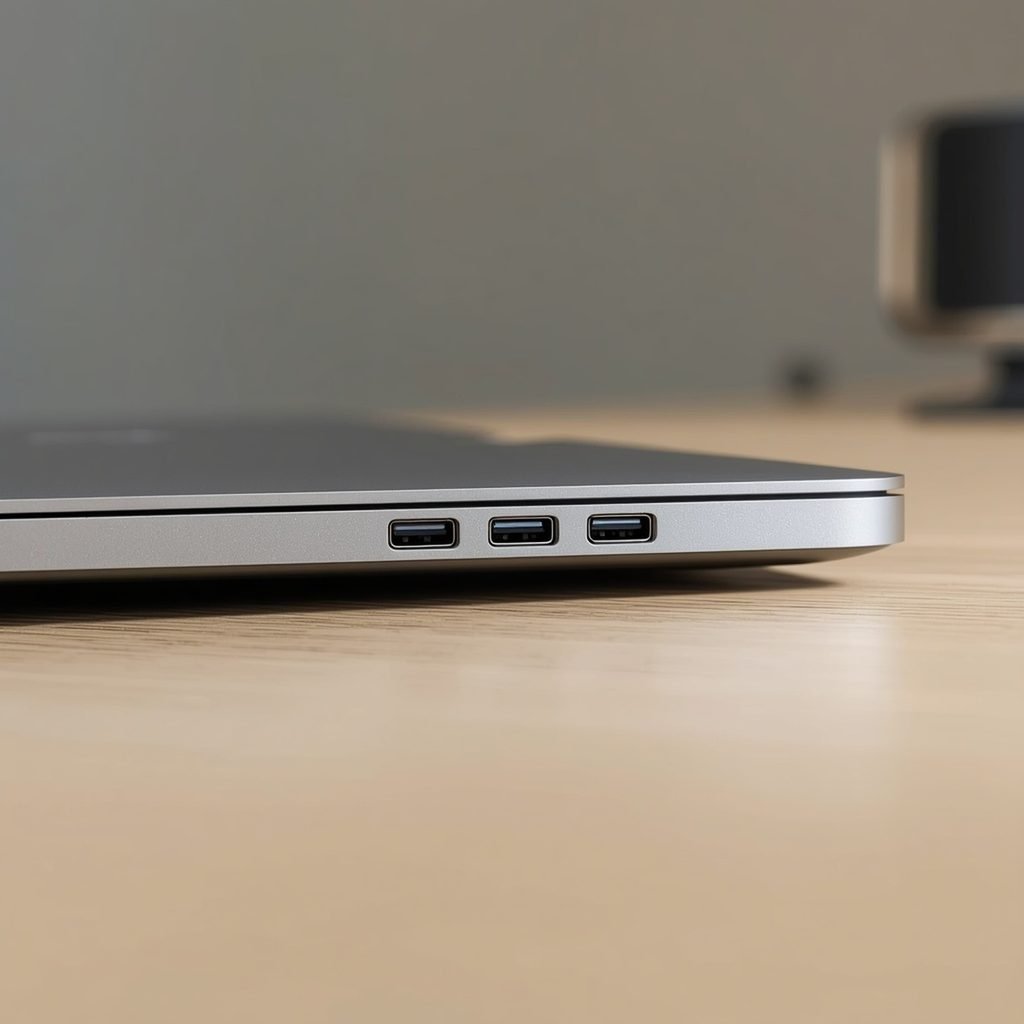
You get three Thunderbolt 4 (USB-C) ports with DisplayPort 2.1 and Power Delivery, plus a single universal audio jack. That’s it — no USB-A, no HDMI, and no microSD card slot, which is a genuine step back from the 2025 model for anyone who used that slot for quick photo transfers. The keyboard itself is a clear improvement over last generation specifically because the function row works like a normal keyboard again, rather than requiring a light touch on capacitive keys. There’s no numeric keypad on the 14-inch model — that’s reserved for larger 16-inch and desktop-replacement laptops in general, not something Dell offers on any 14-inch XPS configuration.
Linux and Ubuntu Support
Dell has offered XPS laptops with Ubuntu preinstalled since 2012, and that continues here: starting June 2, 2026, the XPS 14 became available with Ubuntu 24.04 LTS preinstalled, priced from $1,899 — slightly less than the equivalent Windows configuration. Battery life on Ubuntu configurations runs a bit shorter than Windows on the same hardware, per Dell’s own figures, which is worth factoring in if all-day battery is your main reason for buying.
2026 XPS 14 vs. the 2025 Dell 14 Premium
If you’re trying to decide between the new model and the discounted outgoing one:
| 2026 XPS 14 (DA14260) | 2025 Dell 14 Premium (DA14250) | |
| Processor | Intel Panther Lake (Core Ultra Series 3) | Intel Core Ultra 7 255H/265H (Series 2) |
| Graphics | Integrated Arc only | Integrated, or optional RTX 4050 discrete GPU |
| Function row | Physical keys | Capacitive touch-sensitive (widely criticized) |
| Touchpad | Visible clickpad | Invisible haptic touchpad (widely criticized) |
| Ports | 3x Thunderbolt 4, no microSD, no USB-A | 3x Thunderbolt 4, microSD slot, no USB-A |
| Starting price | ~$1,599 | Discounted to roughly $1,000-1,200 as it’s phased out |
XPS 13 vs. XPS 14: Which Size Should You Get?
The XPS 13 prioritizes mobility above everything else — it’s smaller, lighter, and cheaper, but caps out at lower-tier processors and skips the higher-end display options. The XPS 14 sits above it with room for faster Panther Lake chips, the 2.8K OLED option, and better sustained performance under load, at the cost of a bit more size and weight. If you mostly browse, write, and video call, the XPS 13 notebook is the lighter carry. If you do any real multitasking, photo or video editing, or occasional gaming, the extra headroom on the XPS 14 is worth the size difference.
XPS vs. Dell Pro vs. Dell Pro Max
Since Dell’s rebrand left three premium lines with confusingly similar names, here’s the actual difference: XPS is Dell’s consumer and prosumer line, built around portability, design, and battery life. Dell Pro (formerly Latitude) targets business buyers with fleet-management features and durability testing. Dell Pro Max (formerly Precision) is Dell’s mobile workstation line, with certified drivers for CAD, engineering, and other professional software plus higher-end discrete graphics options than XPS offers. If your work depends on ISV-certified software, Dell Pro Max is the one to look at — not XPS, regardless of which generation.
Where to Buy and Pricing
The 2026 XPS 14 is sold directly through Dell.com, with broader retail availability including Best Buy. Limited configurations became available January 6, 2026, with the fuller configuration range — including cheaper sub-$1,700 options — arriving through February. Pricing runs from roughly $1,599 at the low end to around $4,000 for a maxed-out Core Ultra X9 configuration with 64GB of RAM and a 2TB SSD.
Frequently Asked Questions
Is the Dell XPS 14 the same as the Dell 14 Premium?
They’re closely related but not identical. Dell 14 Premium (DA14250) was the XPS 14’s name for about a year in 2025 before Dell brought the XPS branding back for a redesigned 2026 model (DA14260). Both are still sold, at different price points.
What does DA14250 vs. DA14260 mean?
These are Dell’s internal model numbers. DA14250 is the 2025 Dell 14 Premium. DA14260 is the 2026 XPS 14 with the redesigned chassis and Panther Lake processors.
Is the Dell XPS 14 a 2-in-1?
No. It’s a traditional clamshell laptop with a fixed, non-rotating display.
Can you get the Dell XPS 14 with a discrete graphics card?
Not the 2026 model — it uses integrated Arc graphics only. The older 2025 Dell 14 Premium (DA14250) still offers an optional RTX 4050 discrete GPU, if that’s specifically what you need.
Does the Dell XPS 14 run Windows 11?
Yes, Windows 11 Home or Pro, depending on configuration. An Ubuntu 24.04 LTS option is also available, at a slightly lower price than the equivalent Windows configuration.
What’s the difference between XPS, Dell Pro, and Dell Precision?
Precision was renamed Dell Pro Max and remains Dell’s mobile workstation line for CAD and engineering work. Dell Pro is the renamed Latitude business line. XPS is Dell’s consumer-focused premium line, prioritizing design and portability over workstation-grade certifications.